
Qwen Image 2.1 AI Image Generator
Alibaba's compact 7B model for text-to-image creation and prompt-based editing. Generate 1K or 2K images, combine up to 10 references, and keep people, products, and text more consistent.

Turn words into images
Describe a portrait, product, poster, or scene in any language. Qwen Image 2.1 turns prompts of up to 5,000 characters into a finished image, with prompt rewriting on by default.
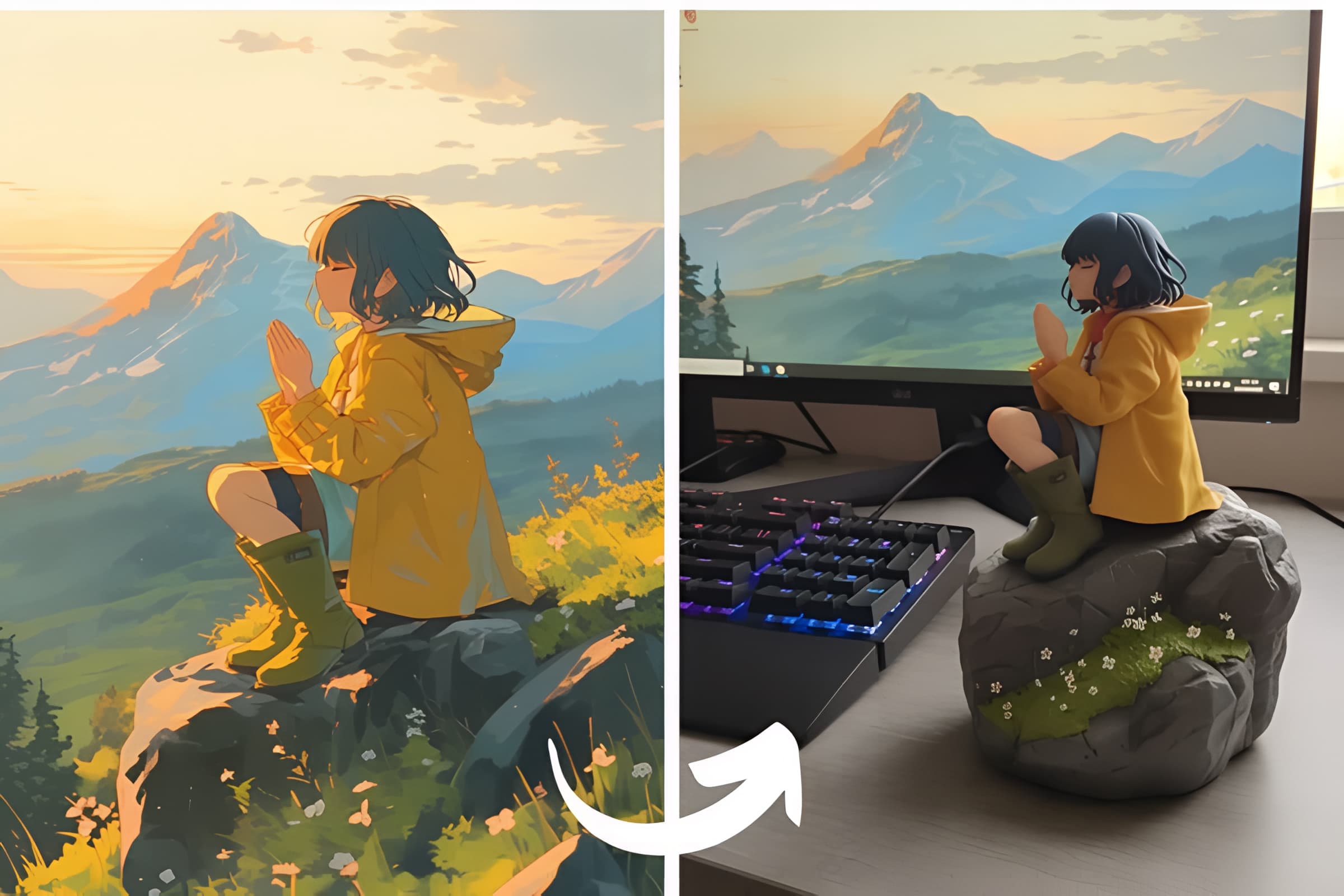
Edit with a prompt
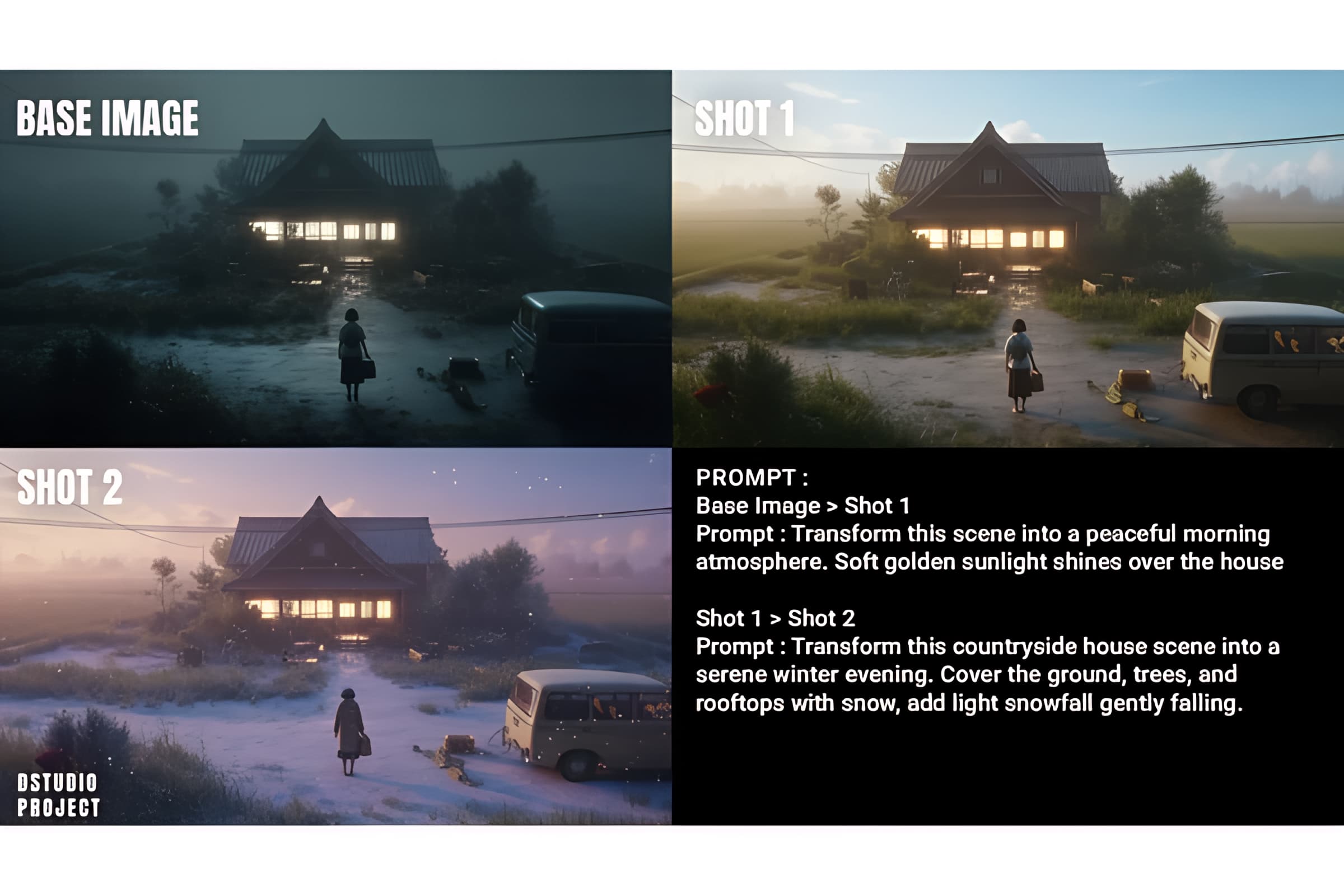
Change clothing, expression, background, or style while keeping the person and framing. Upload 1 to 10 reference images and refer to them in order, such as the first image and the second image.
Native 1K and 2K
Choose 1K for a faster result or 2K when you need more detail for products, posters, and campaign assets. Ratios run from 1:1 and 16:9 through 21:9 and 9:21. Image edits can also follow the first reference automatically.
Stickers, type, and cutouts
Use it for typography-heavy posters, product scenes, and subject-focused assets. Prompts that describe only the subject work best when you want the result to read as a clean cutout.
What you can make
Examples of text rendering, multi-image scenes, local edits, and product consistency.

Readable typography
Posters and invitations where the words are part of the layout, not an afterthought.

Up to 10 references
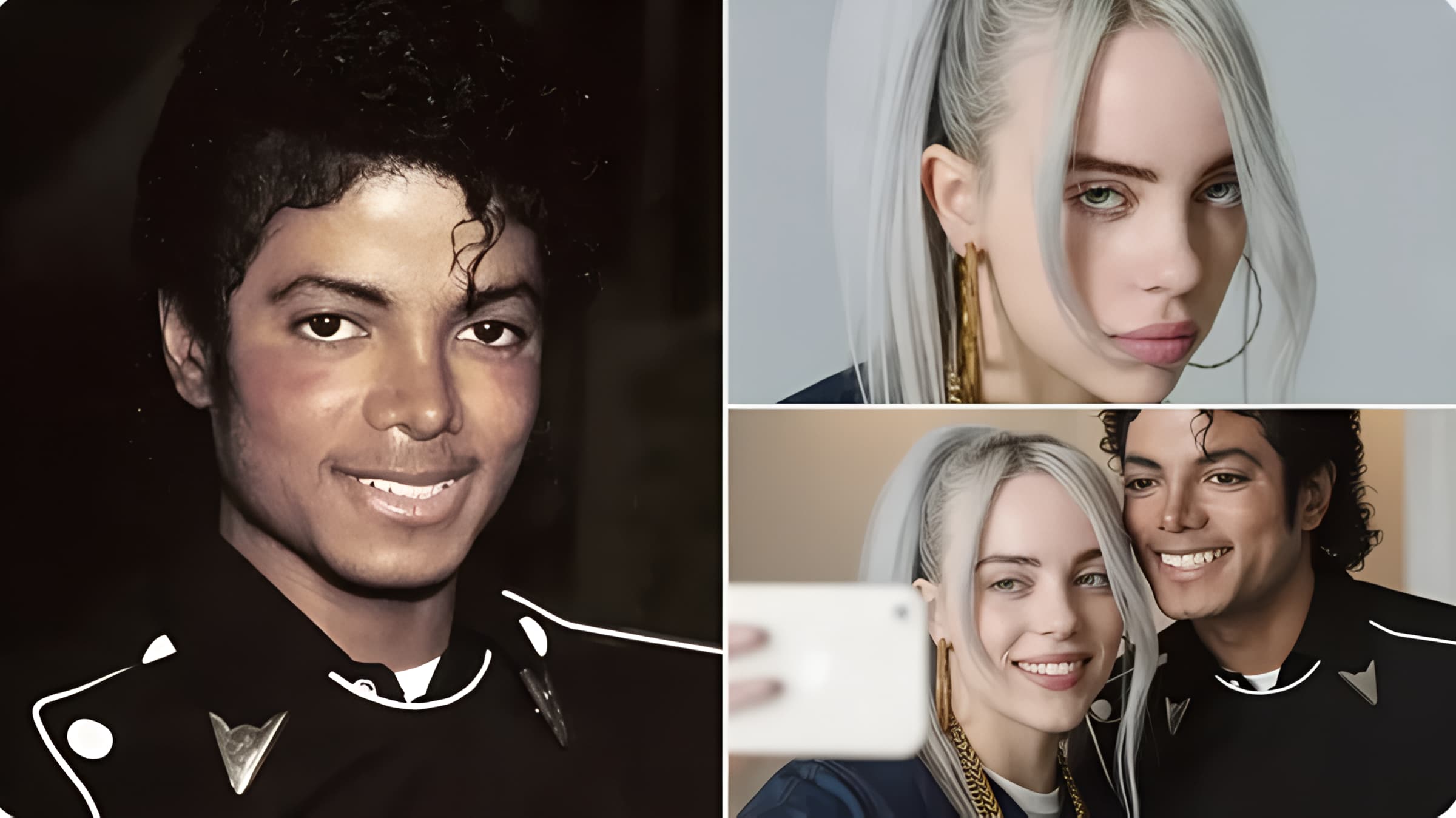
Combine people, clothes, products, or room pieces into one picture. Stay within four references when fine detail matters.

Change one region
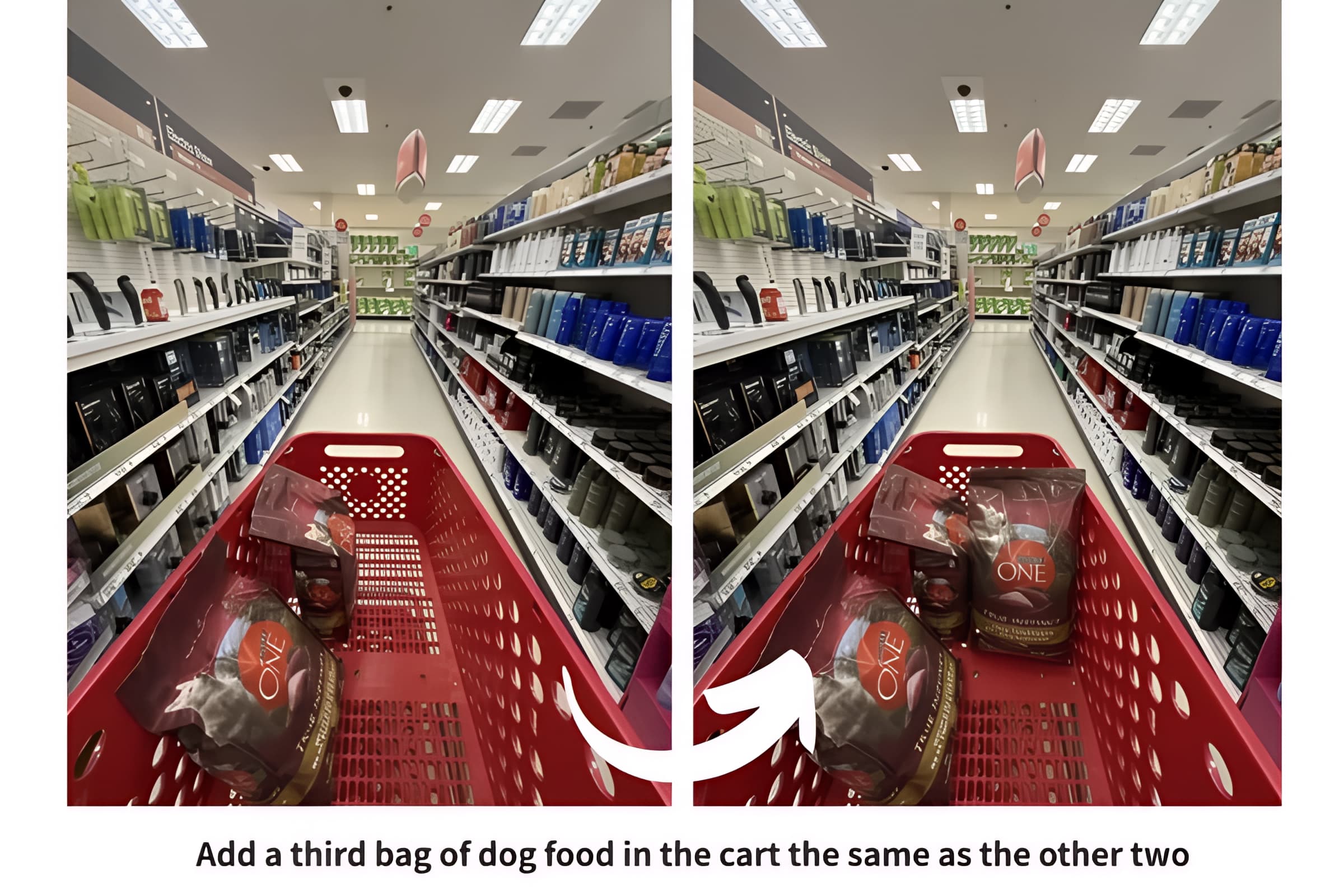
Describe the area to replace and leave the rest of the photo alone.

Keep the product
Preserve shape, texture, and packaging text while you change the scene around it.

Pull the subject out
Turn a person or object into a reusable asset for layouts and ads.

One model, two modes
Start from text, or start from photos. Both modes share 1K and 2K output.
Built for everyday generation and editing
The same controls you see in the studio, matched to the Qwen Image 2.1 API.
1K is 4 credits, 2K is 8
Pricing follows resolution. Extra reference images do not add another charge.
Nine aspect ratios
1:1, 4:3, 3:4, 3:2, 2:3, 16:9, 9:16, 21:9, and 9:21. Edits default to Auto.
Up to 10 images
Order matters. The prompt can point at the first image, the second image, and so on.
5,000 character prompts
Write the scene in any language. Longer prompts are rejected by the model.
People and products
Stronger identity for faces and better retention of product shape, texture, and text.
PNG output
Results are returned as PNG, with prompt enhancement and the safety checker left on.
Try a related model
Stay in the Qwen family, or switch when you need a different look.
Qwen Image 2.1 questions
How this model behaves in the studio.
Start with Qwen Image 2.1
4 credits at 1K · 8 credits at 2K · up to 10 reference images